
Skip to content

For the people you love

A place for everyone on your big day.

Bring the families, friendship groups and last-minute RSVPs into one wedding seating plan. Build the room, import the names, and arrange the company with care.

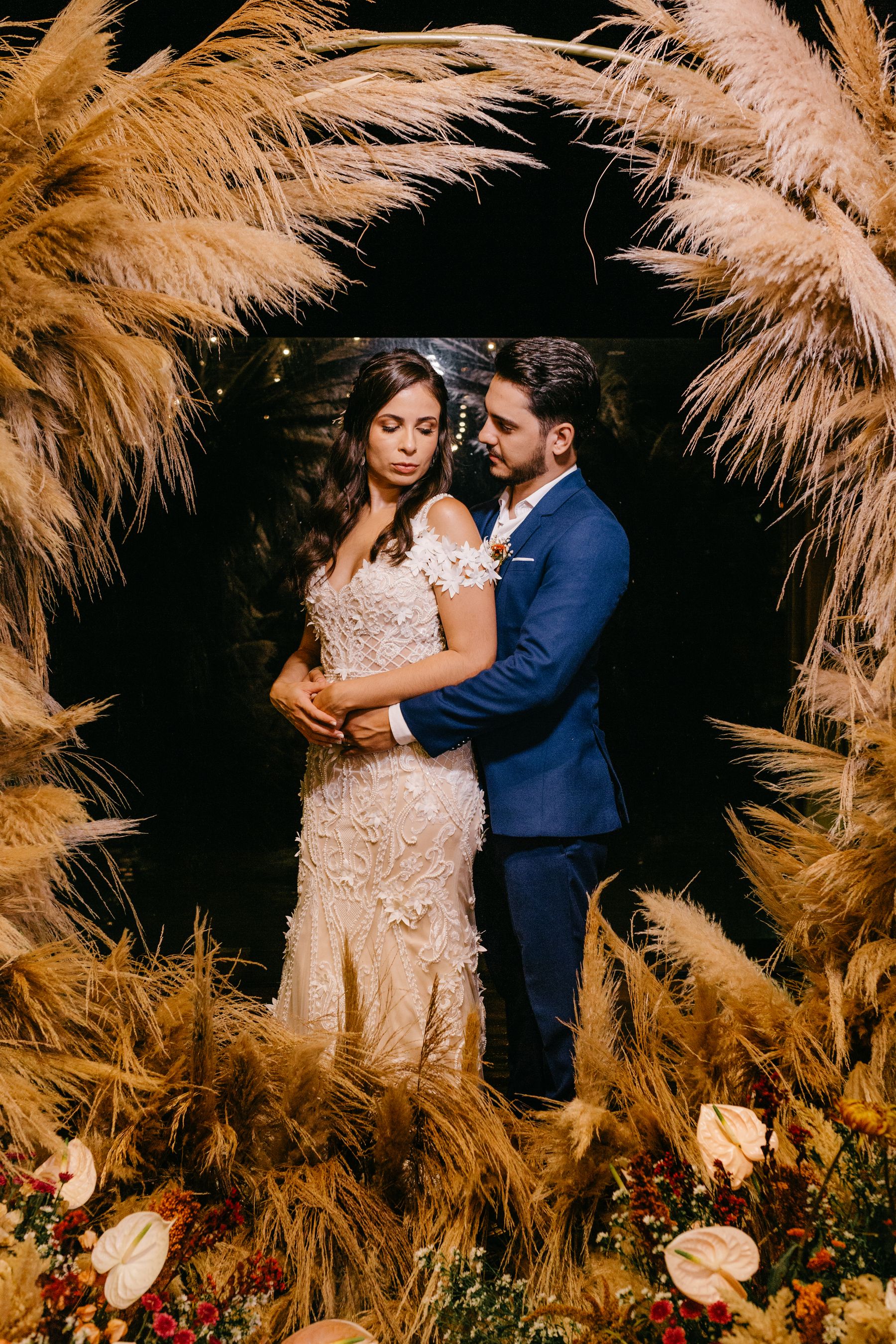
A newly married couple celebrating beneath flowers and warm lights
THE WEDDING OF

Alex & Jamie

Interactive example
ALEX & JAMIE
A LITTLE ROOM TO DANCE
Assigned Available
36 of 37 guests seated6 tables · Made for good company
Table 03Charlotte Lee, William King, Ella Wright, James Scott, Sophie Green, Ethan Adams
01

Start with your reception layout

Add the tables you have agreed with your venue, then place the dance floor and bar. Decide where you want the head table and set the front of the room.

02

Keep the important people together

Record seating preferences for couples and families, and flag guests who need separate tables. Use the conflict checks as a reminder while you make the final decisions.

03

Make room for changing RSVPs

Update your guest list and move guests between tables as replies arrive. Once the list is ready, export the assignments and review the handover with your venue.

Read the seating chart guide

A few things you might be wondering

Pull up a chair.
Let’s talk details.

Get to know the way Seating works.

How do I make a wedding seating chart?

Confirm the venue layout and table capacities, add your guest list, record any seating preferences, then assign guests to tables. Review unassigned guests and conflicts before sharing the final list.

Can I import our wedding guest spreadsheet?

Yes. Export it as CSV and import the file into Seating. You can also add or edit individual guests later.

Can I keep families and couples together?

Yes. Must-sit-with preferences help you check that linked guests are assigned to the same table.

Bring it all together

Good times start
with a good plan.

The room, the guests, the little details.
Give everyone a place to belong.

Create your seating planSign in with Google to save your event.